
Six ways to improve TP-Link Wi-Fi through router and antenna placement
Router location, height and antenna direction can affect Wi-Fi coverage. These six tips include reported signal tests, guidance for single- and multi-floor coverage, and precautions around obstructions, interference and heat.
Better TP-Link Wi-Fi coverage starts with where the router sits and how its antennas are oriented. The following guidance covers signal distribution, height, antenna angles, interference, physical barriers and temperature.
Placement principles
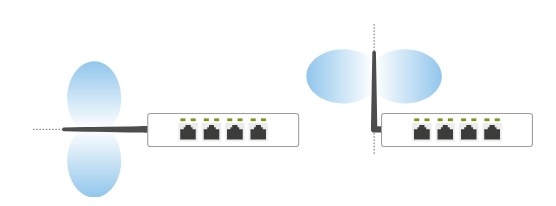
Antenna signals spread vertically and outward. The illustration contrasts unsuitable arrangements on the left with better coverage from horizontal router placement on the right.
Six placement tips
1. Choose a central location
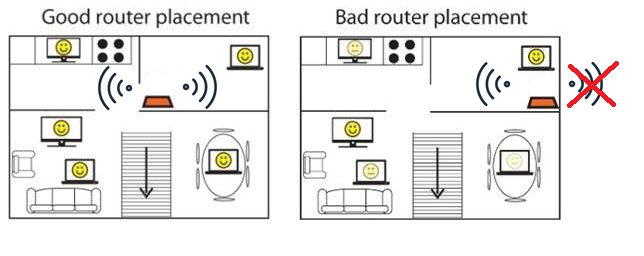
Position the router near the center of the room to spread coverage more evenly. Against an exterior wall, it will deliver a substantially weaker signal to the opposite side of the home.
2. Match the height to your devices
A table or shelf at a moderate height helps make use of an omnidirectional antenna's range. The recommended height is approximately 1 to 1.5ft, aligning the signal with the horizontal plane of most devices.
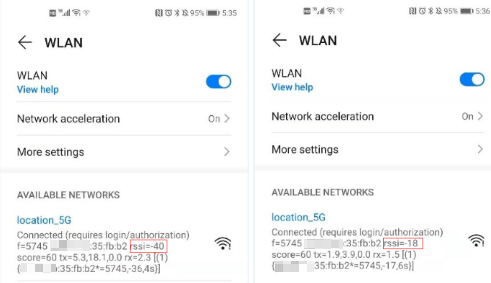
In the source's height test, the router was placed at 6ft.
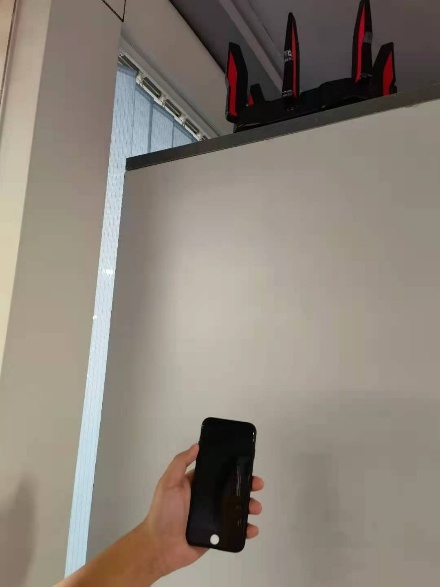
Android measurements compared normal phone height with holding the phone at 6ft.
The iOS comparison likewise measured normal use height against a 6ft position.
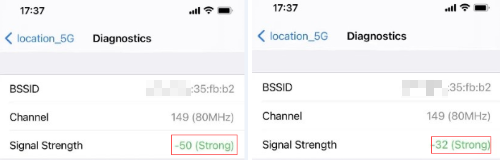
These tests showed a stronger wireless signal when the device and router were at the same height.
Signal readings closer to zero indicate better performance: Signal Strength -32 is stronger than Signal Strength -50.
3. Adjust antenna direction for the coverage area
For coverage on the first floor only, keep the antennas vertical to maximize coverage on that level.
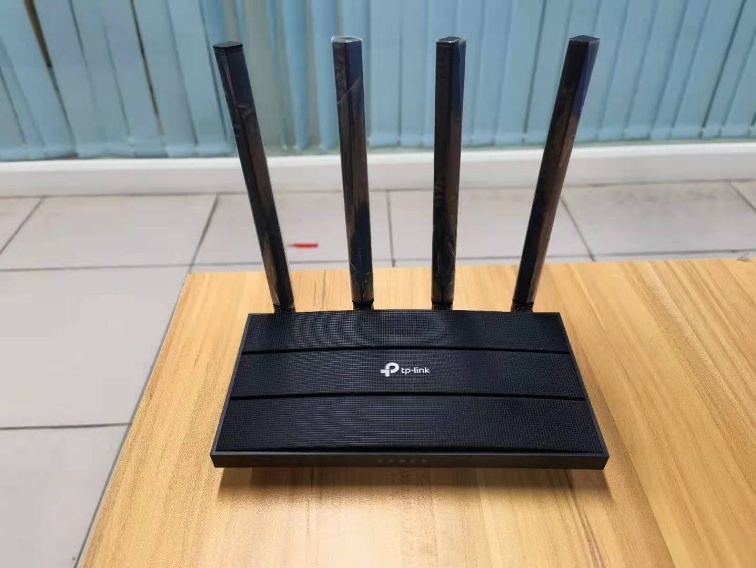
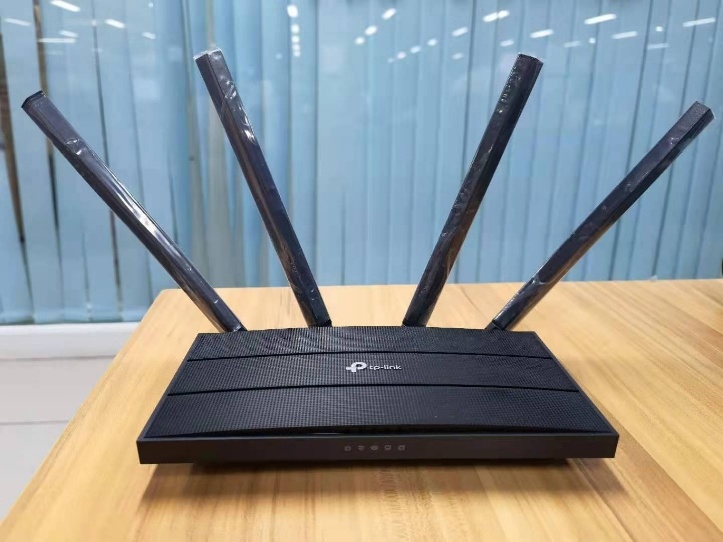
When the signal must reach upstairs or downstairs, the recommended antenna angle is 30°.
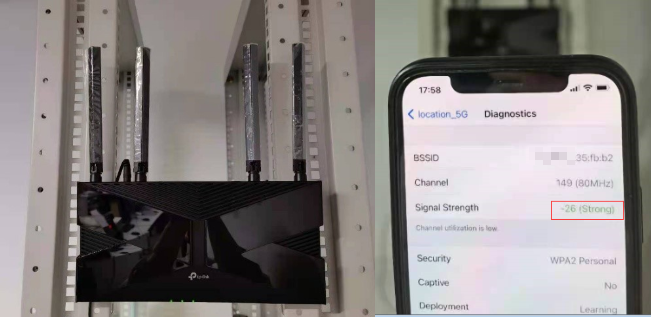
The source also tested horizontal reception with a wall-mounted router and an iPhone. Vertical antennas produced Signal Strength -26.
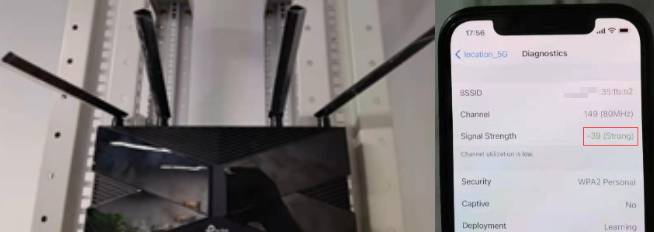
Tilting the antenna forward at 45° produced Signal Strength -35.
With the antenna completely horizontal, the result was Signal Strength -39.
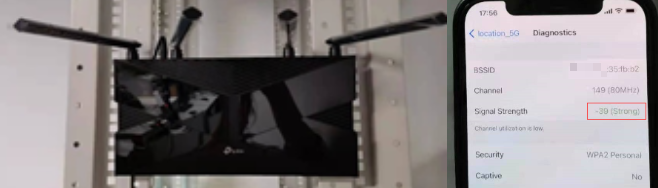
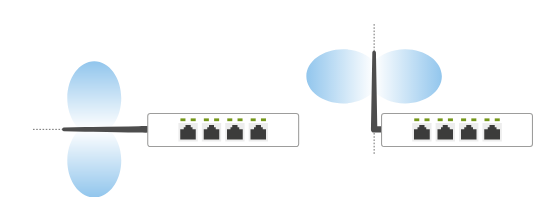
These results support vertical antennas for same-floor use, including a wall-mounted router serving devices in the horizontal plane. The illustration below shows suggested arrangements for different coverage needs.
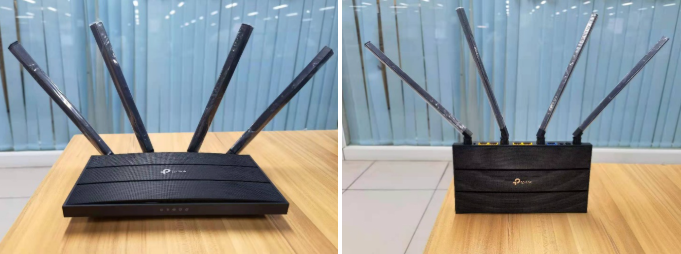
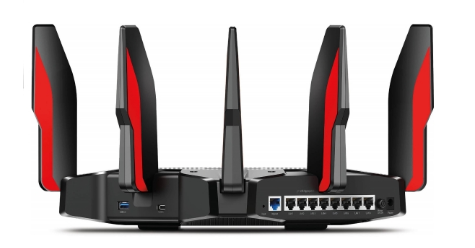
Wall mounting is not recommended for the AX11000 or other products with fixed antennas because it reduces horizontal signal transmission.
4. Separate the router from interference sources
Keep it away from metal objects and high-powered appliances, including microwave ovens, televisions and weak-current boxes, which can interfere with Wi-Fi.
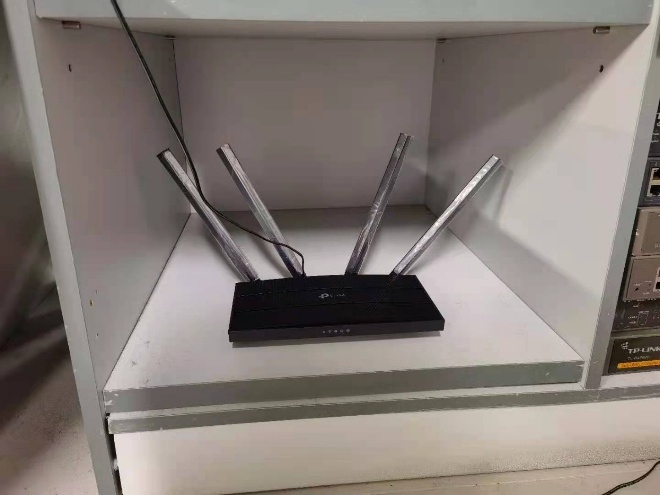
5. Avoid cabinets and other barriers
A cabinet can block the signal and shrink coverage. Also avoid locations that force the signal through several walls; concrete walls are particularly damaging to signal strength.
6. Protect it from heat and sunlight
Keep the router as cool as possible. Extended direct sunlight can damage it and undermine network stability and performance.
If wall mounting, ensure the router is secure and cannot shake or fall. An impact may damage it and stop it operating properly.
For details of your product's functions and configuration, download its manual from the Download Center.
Handpicked News
Accessing Your TP-Link DSL Modem Router at tplinkmodem.net or 192.168.1.1
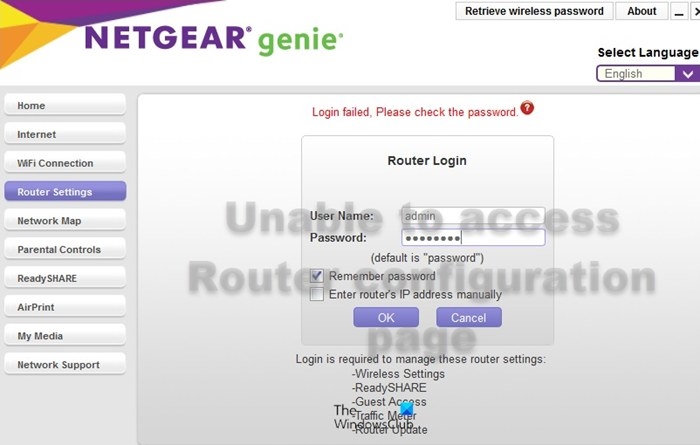
How to restore access to your router's admin page
Updating Your Router’s Firmware: When to Do It and How
How to Turn Wi-Fi Router SSID Broadcasting On or Off
Why Your Default Wi-Fi Network Name Changes After a Firmware Update
Stay ahead of the story
Get one weekly email with the best of RouterSetup Desk.

