
Understanding WPA3-Personal, WPA3-Enterprise and Wi-Fi Security
WPA3 offers personal and enterprise security options, but device compatibility affects whether you can use it. This guide compares those options with WPA2, reviews older protections and explains why router updates matter.
Wi-Fi security helps prevent unauthorized access to devices on your wireless network. Home routers offer several protection methods, but their security levels differ, and leaving a network unprotected or using a poor password remains a concern.
How WPA3 security options differ
WPA3-Personal
Designed primarily for home users, WPA3-Personal lets you choose your own password without requiring that it be secure.
WPA3-Enterprise
WPA3-Enterprise offers stronger protection than the Personal option, with authentication encryption keys ranging from 128-bit to 256-bit. Instead of relying on a password, it uses an authentication server. Protected Management Frames also help defend against hacking.
WPA3-Enterprise with 192-bit Mode
This option raises the minimum encryption level from 128-bit to 192-bit, with 384-bit described as the most advanced and secure option. More specifically, it increases authentication encryption to 256-bit and key-encryption to 384-bit.
That level of protection is excessive for individual users, but it may suit enterprises seeking greater security.
When WPA2 remains useful
WPA3 is still relatively new, and many people use devices that do not support it. WPA2-Personal and Enterprise still offer protection, though they are not as secure as they once were: hackers have bypassed the standard even with AES encryption enabled. For existing devices, WPA2 remains the best available choice for adequate protection.
If security is your priority, consider replacing an older router with one that supports WPA3. Your smart devices will also need upgrading, which can make the switch expensive.
Older protections and their weaknesses
- WEP (Wired Equivalent Privacy): Introduced in 1997, it was compromised in 2005.
- WPA Version 1: Introduced in 2003, it was defeated by hackers in 2008.
- WPA2-TKIP: Combining WPA2 with TKIP once provided solid protection, but it was cracked in 2017.
- WPS (Wi-Fi Protected Setup): Although it simplifies connecting smart devices to Wi-Fi, its PIN can be obtained through brute-force techniques. Disable it where possible.
What might follow WPA3?
The next standard is unknown, although WPA4 seems likely. Public availability could be more than 10 years away: WPA2 was ratified in 2004, while WPA3 was announced in 2018, a 14-year gap. This is a possibility, not a confirmed timetable.
Can a protected router still be hacked?
Yes. Routers are generally well protected, but they depend on software, which is never completely secure. A sufficiently knowledgeable attacker may find a vulnerability. Check your router manufacturer for the latest firmware to keep the device as secure as possible.
A compromised Wi-Fi network can also give an attacker access to your smartphone. From there, they may install a malicious file or carry out other actions.
Handpicked News
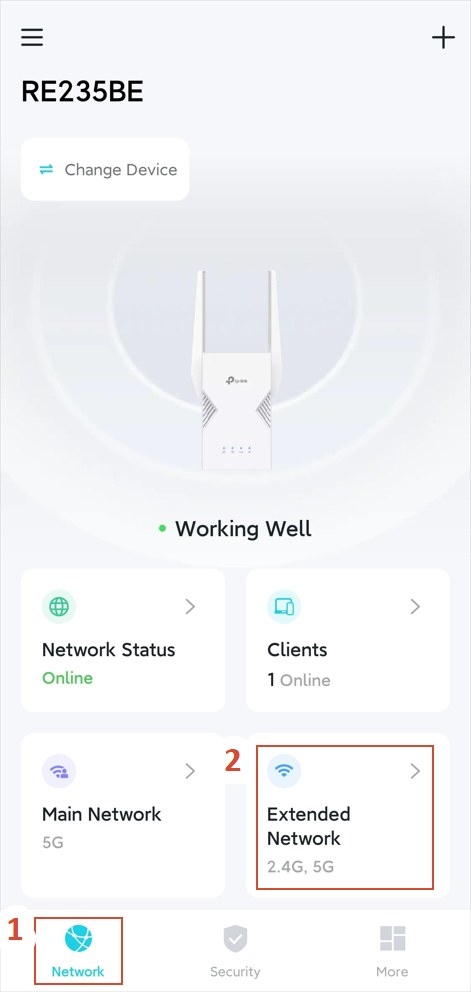
Customize Wi-Fi Settings on a TP-Link Extender
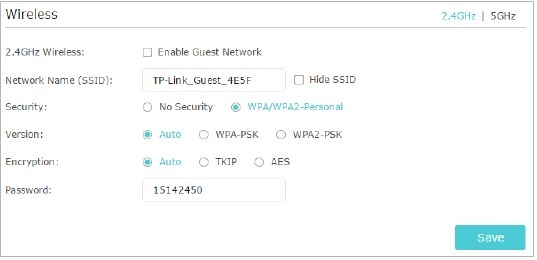
Configure a Guest Wi-Fi Network on a TP-Link Router
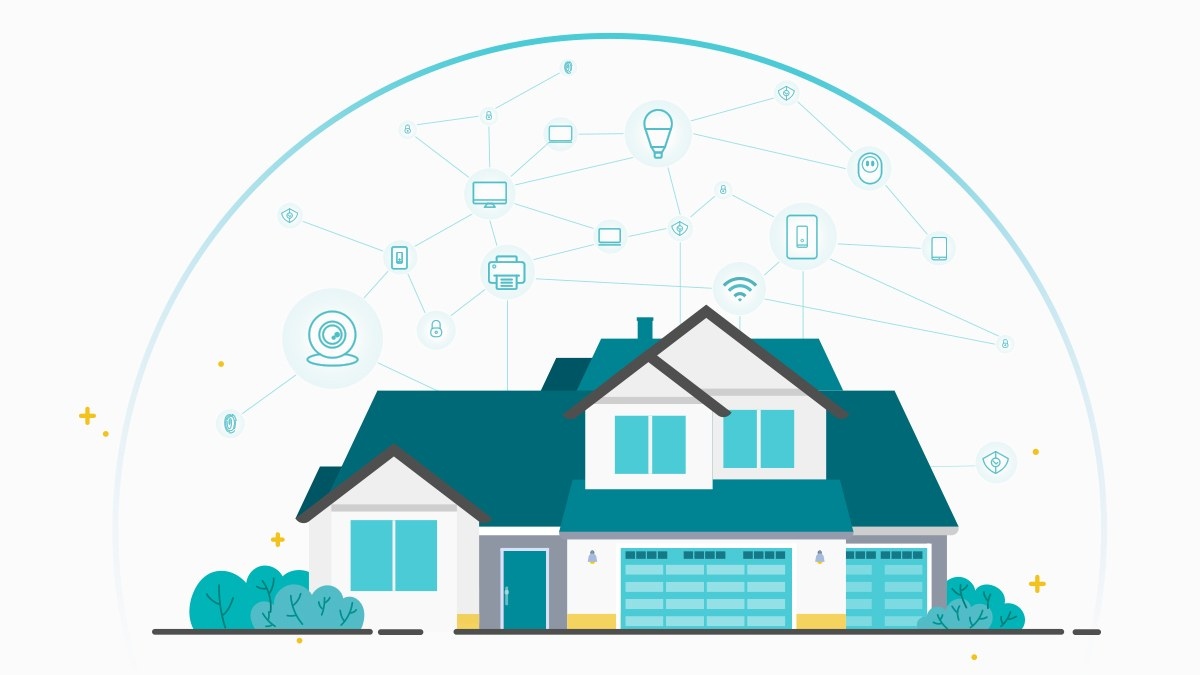
Protect Your Home Wi-Fi: Router Security and Family Controls
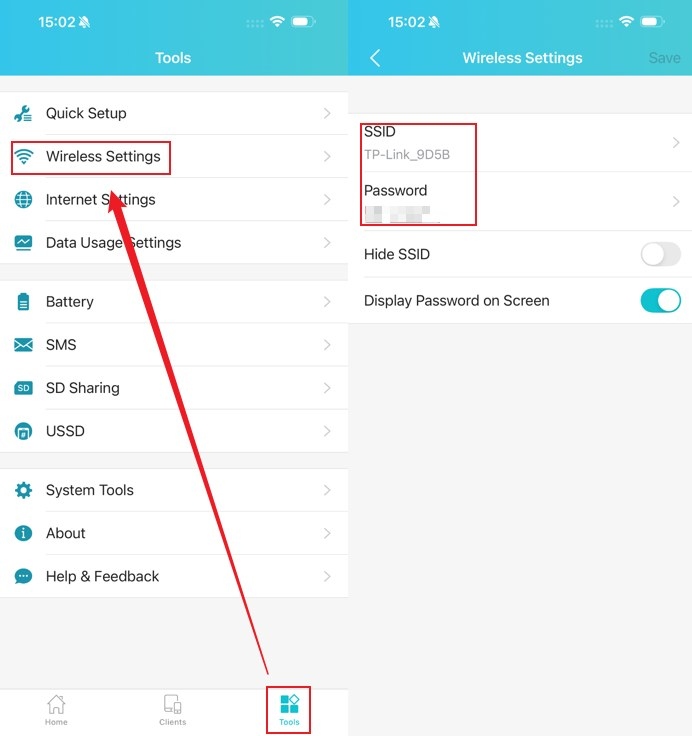
Update Wi-Fi Names, Passwords, and Channels on TP-Link Mobile Routers
Manually Connect a TP-Link Range Extender to an Apple Router
Stay ahead of the story
Get one weekly email with the best of RouterSetup Desk.

