
TP-Link Deco Explained: How Whole-Home Mesh Wi-Fi Works
TP-Link Deco uses multiple nodes to create a single home Wi-Fi network. Its features include seamless roaming, adaptive path selection, band steering, self-healing, and AI-driven network adjustments.
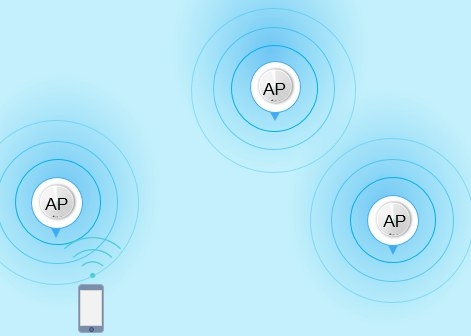
What Deco Adds to a Home Network
Deco is TP-Link's whole-home mesh Wi-Fi system. Rather than broadcasting from a single router, it uses multiple access points to eliminate dead zones and improve coverage, speed, and connection reliability.
One unit connects to the modem and acts as the main hub; the remaining nodes receive and rebroadcast the Wi-Fi signal. Together, they provide a unified network with one wireless name and password.
How Deco Mesh Features Work
Seamless Roaming and AP Steering
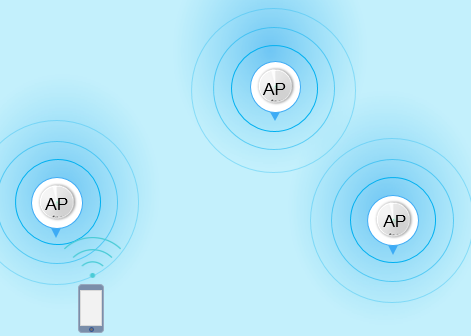
Deco uses TP-Link Mesh technology. Mesh devices support IEEE 802.11k/v for seamless roaming, while some also support IEEE 802.11r to speed up transitions. As you move around the home, your phone or tablet automatically connects to the fastest mesh device, keeping transitions unnoticeable even while streaming.
AP Steering moves a client to the access point (AP) with the strongest signal.
Adaptive Path Selection
Adaptive Path Selection (APS) chooses the best route between Deco units using 2.4 GHz, 5 GHz or 6GHz.
- Ethernet Backhaul: When two units are directly linked by Ethernet and one operates as an access point, APS favors the wired connection.
- Powerline Backhaul: On Deco P7, APS chooses between the 2.4 GHz band, 5 GHz band, and Powerline for communication between units.
Band Steering
With several bands under one Wi-Fi name, Band Steering directs dual-band or tri-band devices to the fastest, least congested available band. Clients supporting 5GHz or 6GHz move to those high-speed bands, while 2.4GHz-only devices use the 2.4GHz band.
Self-Healing
If a node goes offline, Deco reroutes data through the remaining nodes automatically to maintain connectivity.
IoT Mesh
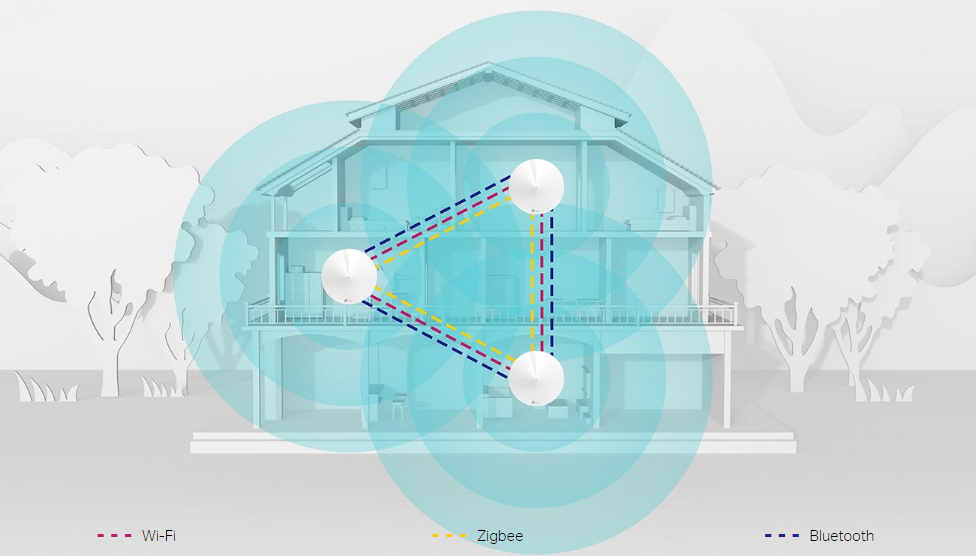
TP-Link Mesh Technology combines Wi-Fi, Bluetooth and Zigbee in one system for whole-home IoT coverage, reducing the need for separate smart hubs. Only Deco M9Plus supports IoT. Consult the IoT Compatibility List for further details.
Wi-Fi 7 Mesh
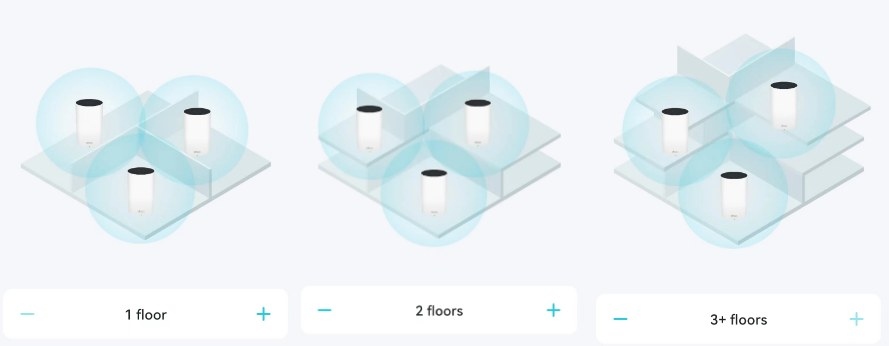
The Deco 7 Wi-Fi series uses the 802.11be standard to deliver faster speeds, lower latency, and greater capacity than earlier Wi-Fi generations. Setups accommodate small homes or large multi-story properties with streaming devices, gaming setups, and smart home hubs.
AI-Driven Mesh
Deco's AI Mesh technology learns from experience and adapts to the home and network environment, supporting seamless streaming as users move between rooms.
- Advanced Algorithms: Channel settings and transmission power are adjusted across neighboring APs to maximize coverage and minimize interference.
- Self-Learning Capability: The system learns the network environment, client quality, and user behaviors to tailor the Wi-Fi network.
Handpicked News
Where to Position Deco Units for Reliable Mesh Wi-Fi
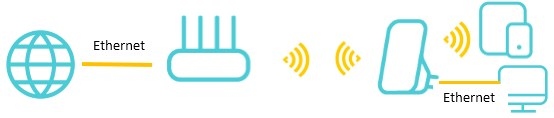
Choosing a TP-Link Wi-Fi Upgrade: Extender, Powerline, or Mesh
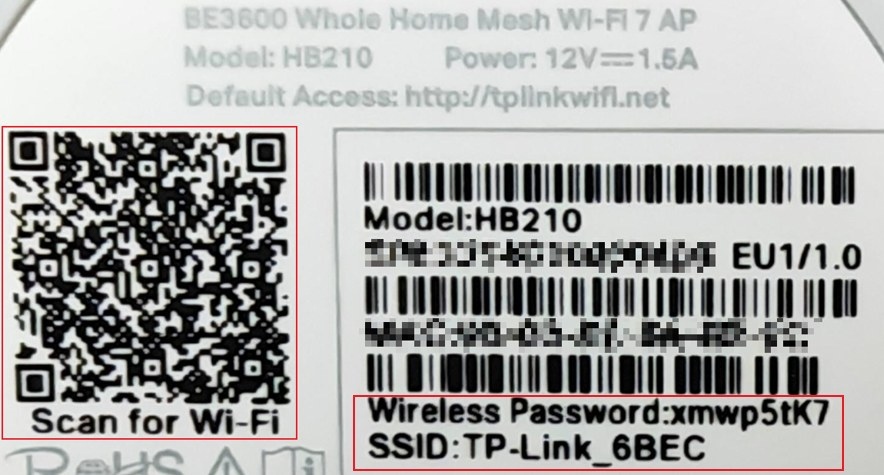
Fix Default Wi-Fi Connection Problems During Deco or ISP Mesh Setup
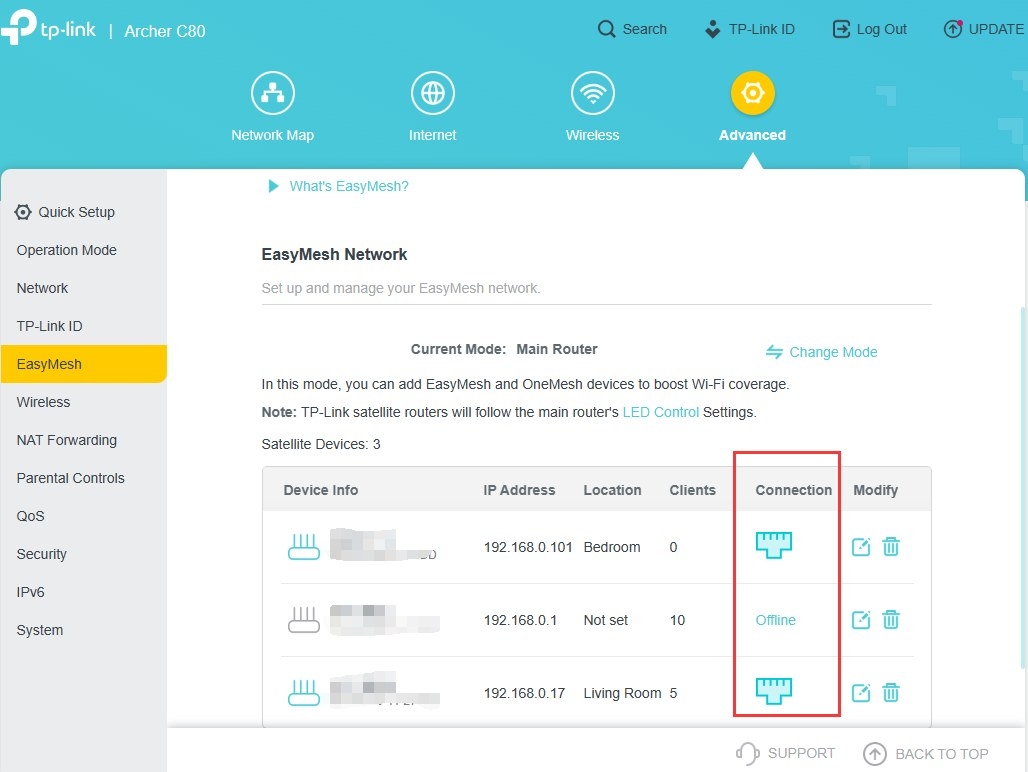
Set Up Ethernet Backhaul Between Two TP-Link EasyMesh Routers
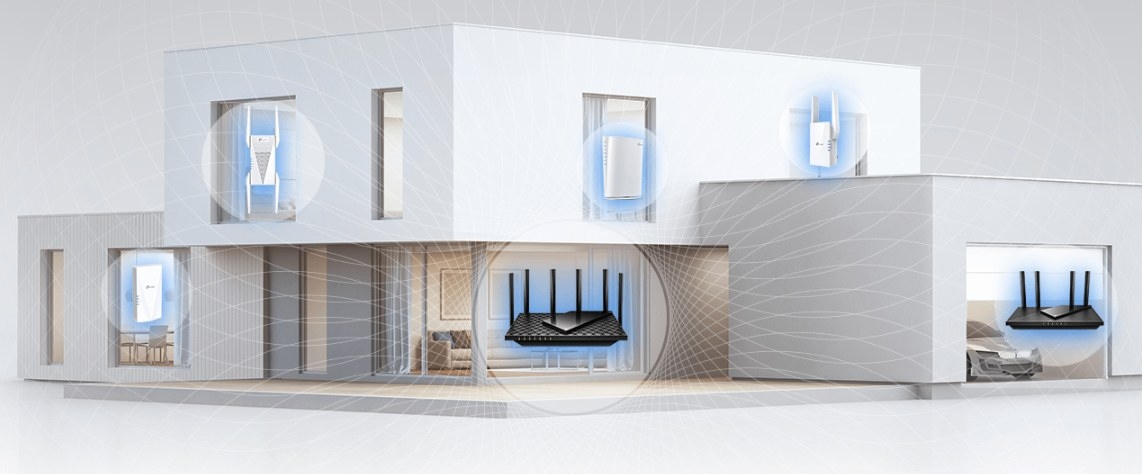
EasyMesh Explained: How It Compares with OneMesh and Closed Mesh Systems
Stay ahead of the story
Get one weekly email with the best of RouterSetup Desk.

